
Take oneSc. 00AI-powered teleprompter
Stop memorizing. Start recording.
Teleprompterz writes your script, scrolls it at your speaking pace, and records you on camera, right in your browser.
Simulated demo: the Teleprompterz recording screen seen through a camera viewfinder. The Viral Video Hook script scrolls over the camera feed at the speaker's pace, with the current word glowing yellow. A 3, 2, 1 countdown starts the take, the script waits during a pause, and Finish stops the recording.
Sc. 01Write
Never start from a blank page.
Give the AI a topic, a platform and a length. It checks Google for the latest, then writes your hook, points and call to action.
Video Topic: Morning Habits. Target Platform: Instagram. Duration: 30 Seconds.
Here are three simple tips to improve your {morning routine} today.
First, stop {reaching for your phone}. Second, start focusing on {one small win before breakfast} instead. Finally, keep practicing every single day.
If you want more tips like these, make sure to follow my page and save this video for later reference.
Sc. 02Read
The script follows your voice.
Turn on Voice-Paced and it scrolls as you speak, waits when you pause, and holds when you go off script.
Vertical mirroring flips the monitor, so the glass reflects it the right way up.
Sc. 03Record
Count in. Roll camera.
A 3-2-1 countdown starts the take. Pause and resume the same file, zoom in up to 3× mid-take, then press Finish to save or reshoot.
Simulated demo: a film-leader countdown runs 3, 2, 1, then the take cuts to a real-estate walkthrough recorded with the Property Listing Walkthrough script over the camera. The Dynamic Island shows the timer, the camera zooms from 1x to 2x mid-take, the take pauses and resumes, and Finish stops it.
Sc. 04Edit
Cut it, caption it, finish it here.
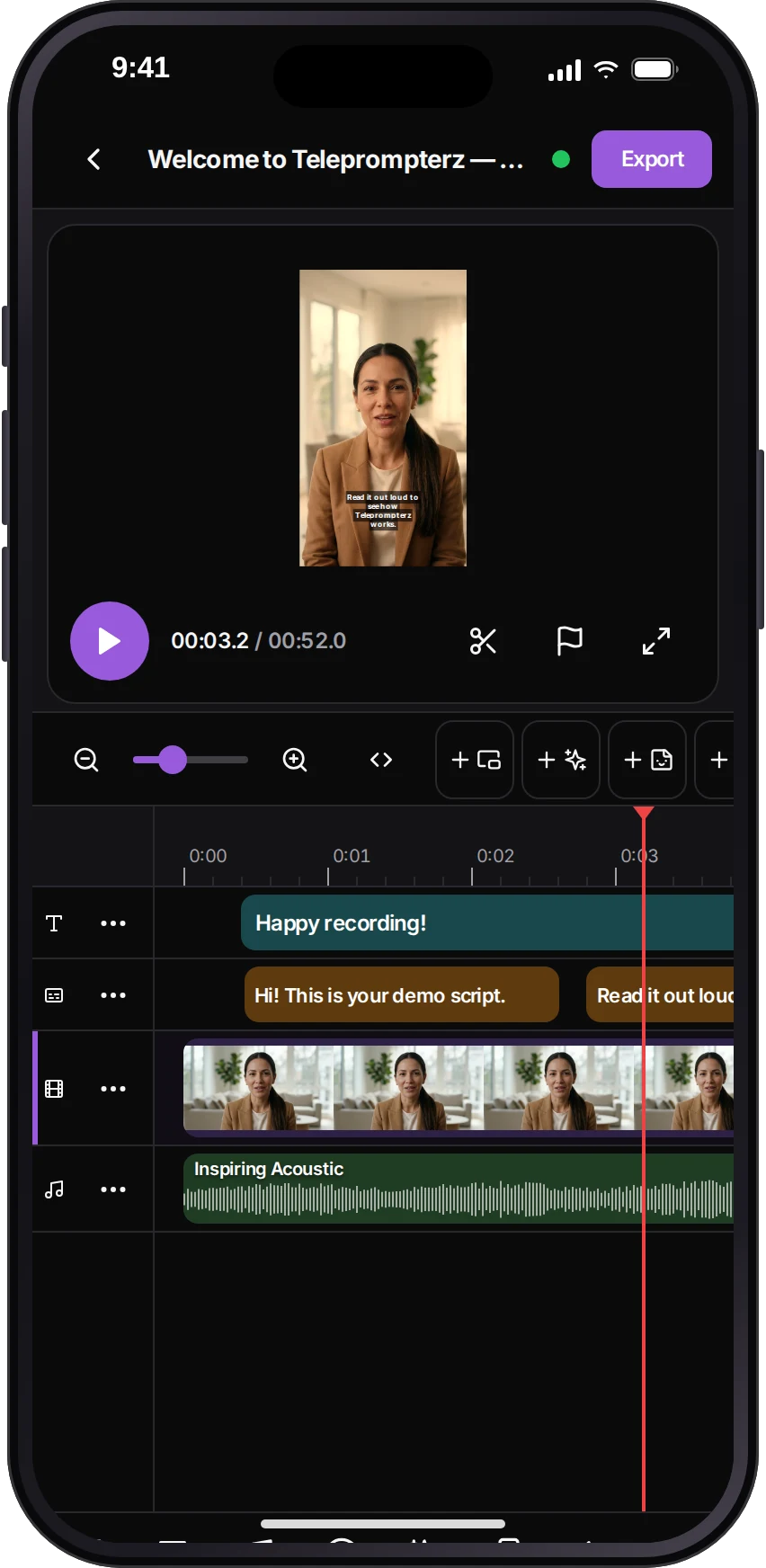
Generate captions from your speech, then trim, add text, music, transitions and effects on a multi-track timeline. Every change autosaves.
Sc. 05Export
One take, every size.
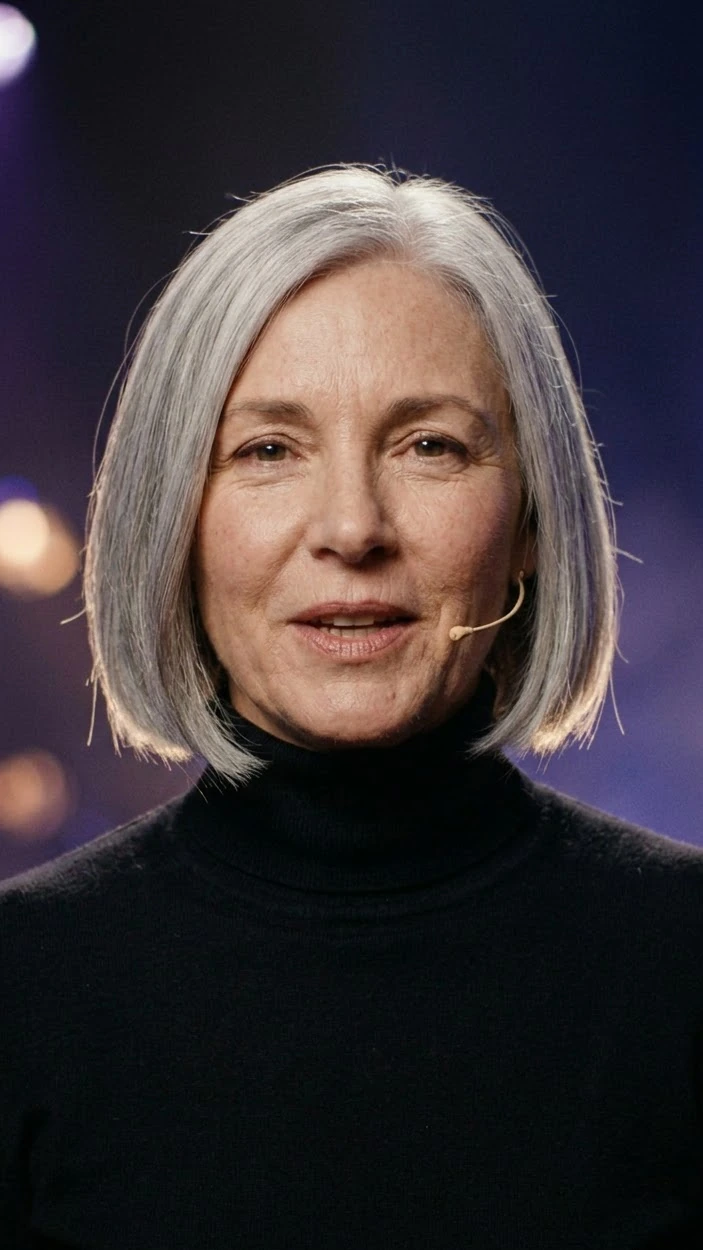
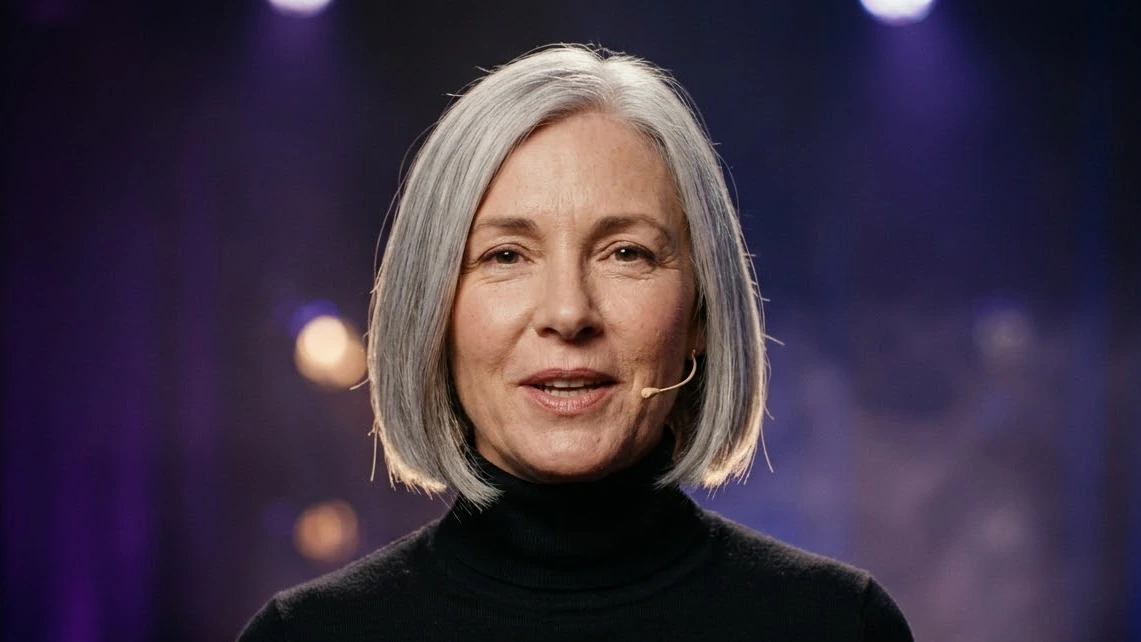
Render 9:16, 16:9, 1:1 or 4:5. Each export is one size, and each render is saved as a new version in your library.
Sc. 06Dailies
Rehearse, then review.
Practice with the mic only and nothing recorded. After each take, see your pace, confidence, filler words and how lively you sound.
Web RemoteConnecting...
1.0x speed
Session AnalysisTake 1
Keep practicing!
Speech Flow TimelineSpeaking Pauses
Simulated Session Analysis for a second take: Speaking Speed 142 words per minute against a target of 150, Confidence Score 86 percent, 2 filler words, Enthusiasm Score 74 percent, and the verdict Ready for prime time.
Sc. 07Casting call
One prompter, ten voices.
Ten AI-generated characters, each paired with a real template from the app. The spotlight moves on its own; pick a frame to cast it.
01 / 10Creator · Call-To-Action ScriptSimulated demo
-
CreatorCreators · Call-To-Action Script
-
FounderCreators · Product Review
-
PodcasterCreators · Storytime Framework
-
VloggerCreators · Behind The Scenes
-
TeacherTeachers · Common Mistakes Explained
-
SpeakerTeachers · Live Class Opening
-
CoachTeachers · Student Success Story
-
PastorPastors · Weekly Sermon Introduction
-
RealtorReal estate · Market Update
-
SalesReal estate · Lead Follow-Up Message
Sc. 08End credits
The rest of the cast.
Writing
- Templates25 scripts in five categories, from creators and teachers to pastors and real estate.
- Script toolsRefine with a side-by-side diff, make platform variants, or regenerate.
- Social copyA caption and hashtags, or a YouTube title, description and tags, with every AI script.
- TranslateScripts translate between English and Hindi.
- Shared script linksSend a read-only link to a script. It expires after 30 days.
- FoldersKeep scripts and videos in folders, sort and filter them, and move or share in bulk.
Camera & prompter
- Face lensesPick a face lens between takes, straight from the prompter.
- Custom fontsUpload TTF, OTF, WOFF or WOFF2 files for your prompter.
- Reading lineSet where the script waits, from 20% to 80% down the screen.
- Keyboard shortcutsSpace or Enter to start and pause, arrows for speed. Press ? to see them all.
- Bluetooth remotesMap the buttons of a presentation remote to start, pause, speed and reset.
- Camera & micChoose your devices, and re-check the room noise before a take.
- LanguagesSpeech recognition in English (US, UK, India, Australia) and Hindi.
Editorial
- KeyframesAnimate a clip with keyframes and four easings.
- Text overlaysTitles with nine animations, from Fade to Word by word.
- StickersEmoji, GIFs and your own images on the timeline.
- Picture-in-pictureA second video track for picture-in-picture or split screen.
- Clip speedSet each clip from 0.25× to 4×.
- FiltersBrighten, Contrast, Vintage, Cool Blue, Warm Tone and more, stacked per clip.
- AutosaveEdits save two seconds after you stop, with up to 100 steps of undo.
Teleprompterz
Sc. 09On location
The whole studio, in your pocket.
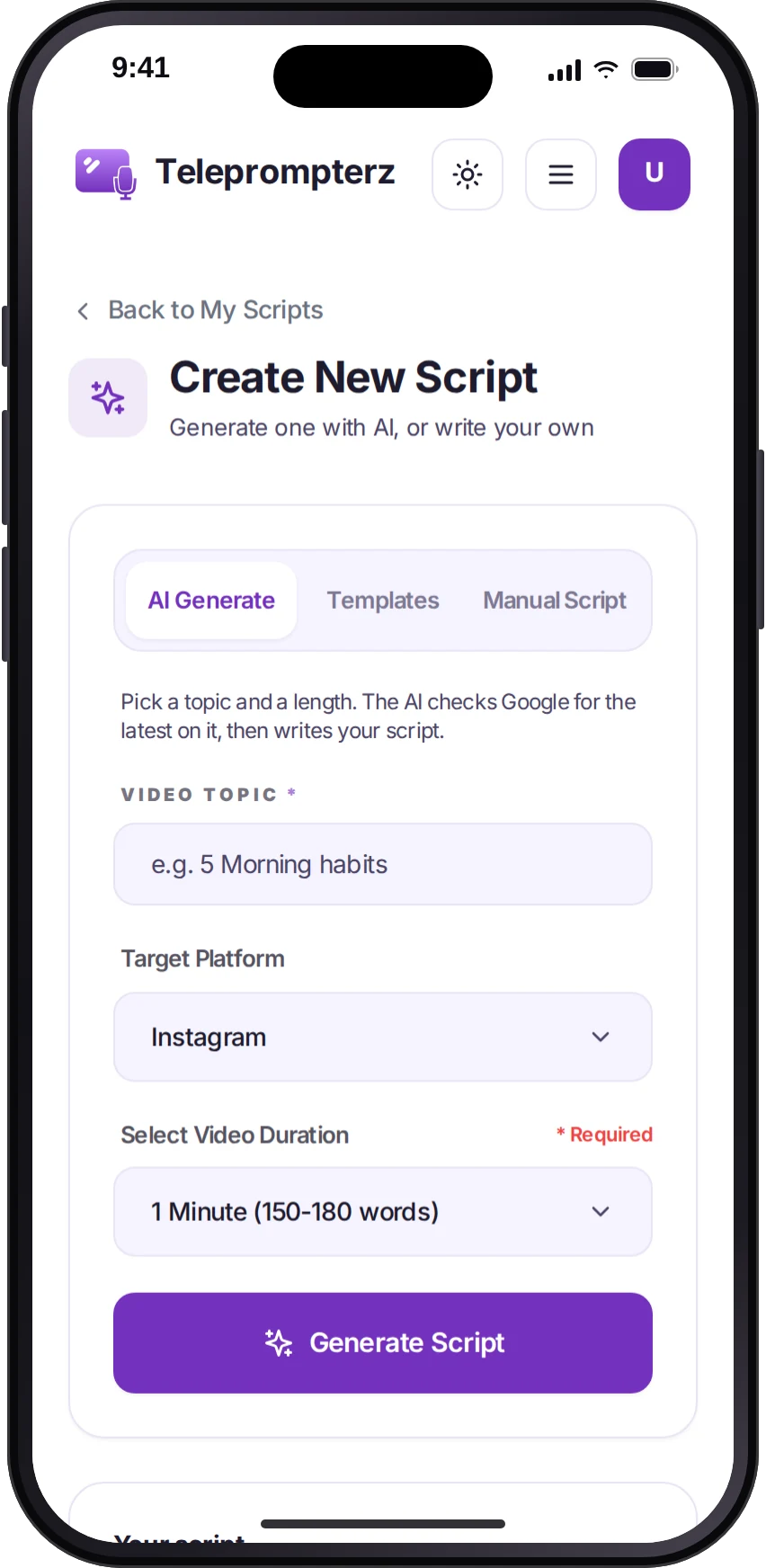
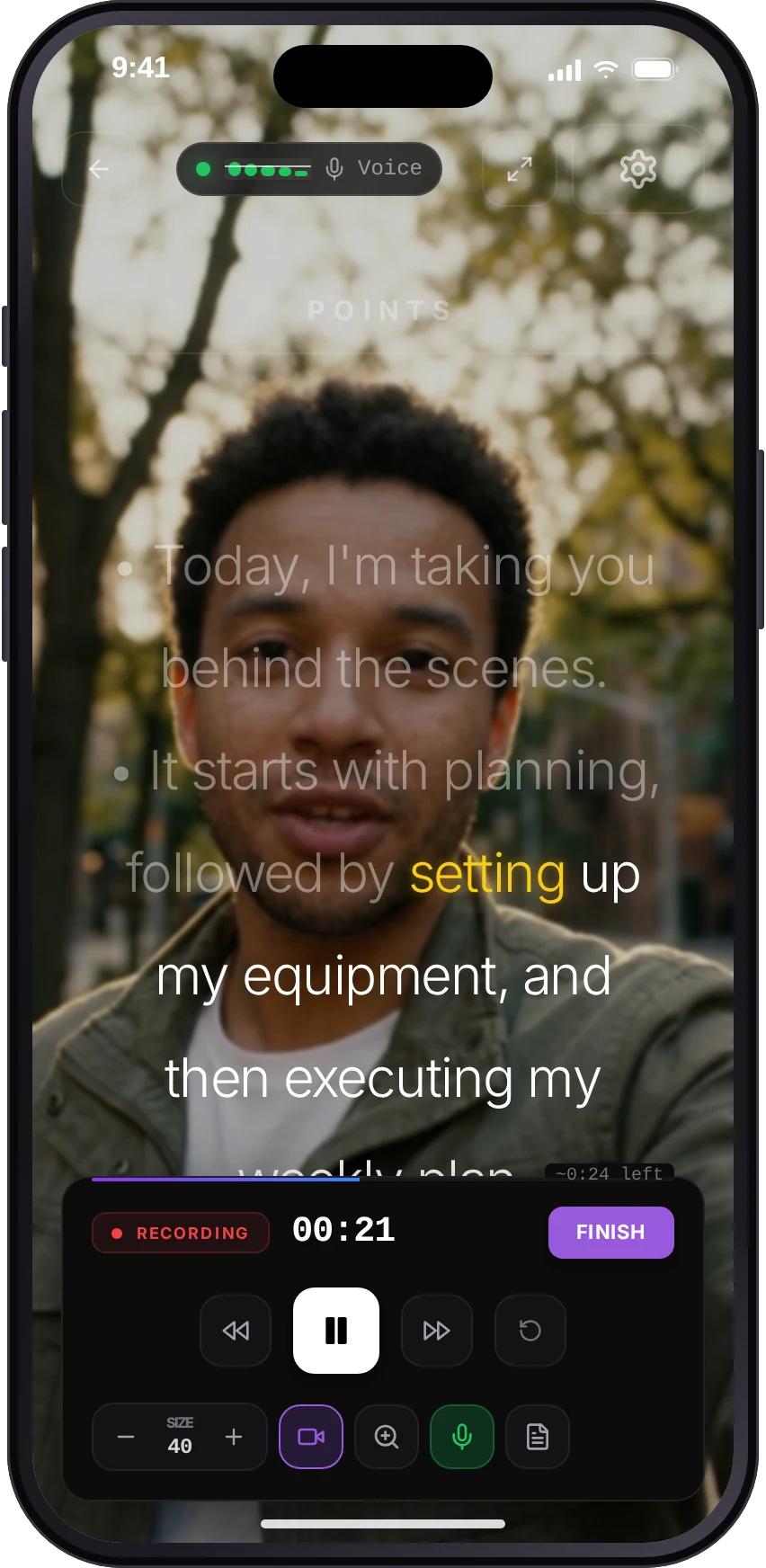
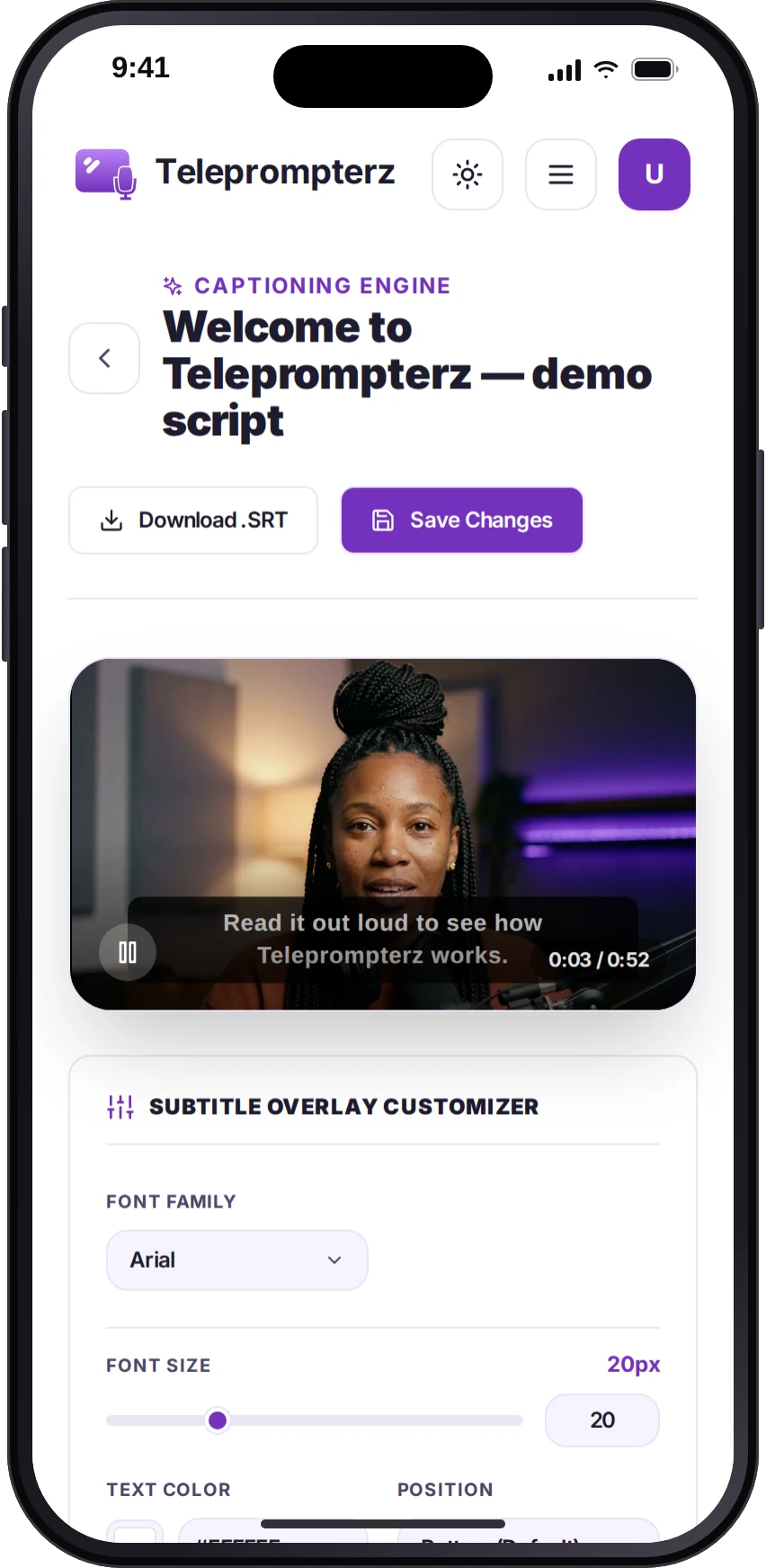
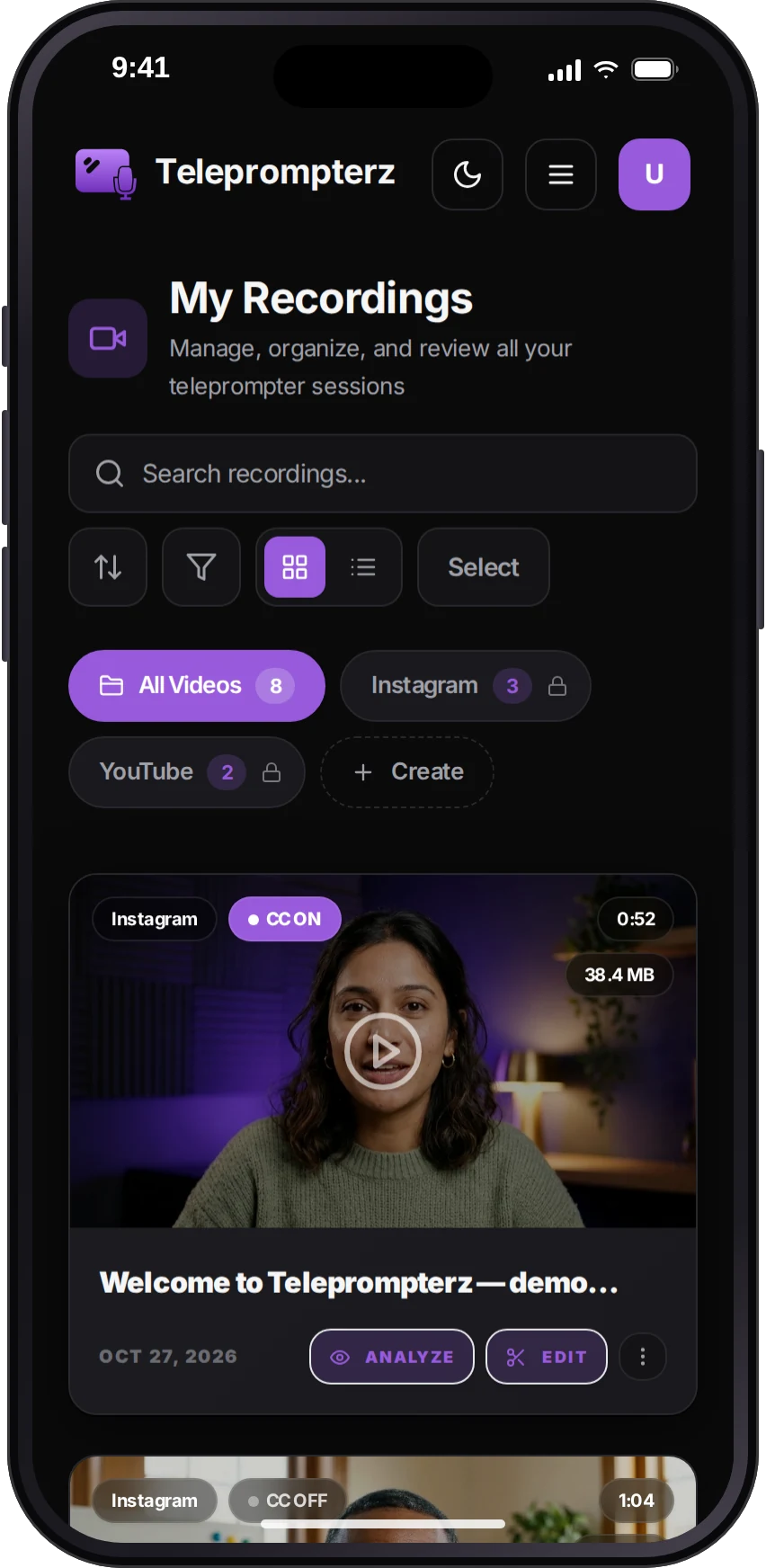
Teleprompterz for iOS and Android puts your scripts, teleprompter and recording studio in your pocket. Write or generate a script on the go, read it while recording with voice-paced scrolling, then caption, edit and export for every platform, straight from your phone.

Sc. 10Admit one
Start free. Upgrade when you're ready.
Admit one
Pro
$12/ month
- Unlimited recordings & scripts
- All four export sizes
- Captions from your speech
- Full video editing
No credit card required. Plans as stated on the current Teleprompterz site.
Sc. 11The script
Before you roll.
Something else? Contact us or email support@teleprompterz.com.
Turn on Voice-Paced in the prompter settings and Teleprompterz listens as you speak, moving the script to match your pace. Pause, and it waits. It uses your browser's speech recognition, so it runs in Chrome and Edge on desktop; other browsers fall back to auto-scroll.
No. Writing, reading, recording, captions and export all run in your browser. If you prefer recording on your phone, the iOS and Android apps sync with the same account.
Yes. Give it a topic, a platform (Instagram, YouTube or LinkedIn) and a length. It checks Google for the latest on your topic and writes a hook, key points and a call to action, plus copy for your post. You can edit every line before you record.
9:16, 16:9, 1:1 and 4:5, all from the same recording. Each export renders one size, so pick a size, export, then pick the next. Downloads come as MP4, MOV, WebM, GIF or audio-only MP3.
They're generated from your speech when you ask for them, in the editor or the caption studio. You can style the font, size and position, and burn them into your export.
Yes. Practice mode runs the prompter with your mic only, including voice-paced scrolling, and nothing is recorded or saved.
You can save it, reshoot or delete it. Saving uploads the take to your recordings and opens its analysis. If an upload fails, you can retry or download a copy.